Team Lead Basic — delegate and accept
Goal: stop doing all the work yourself. Learn to assign, watch the side-effects ripple through dooer, and approve effort estimates with judgement instead of guessing.
Why this tier matters
The hardest move in becoming a lead is the first delegation. You usually believe — correctly — that you can do the task faster yourself. The reason to delegate anyway is that every task you keep is a task someone else doesn't learn to do, and a slot in your own day that can't be spent on something only you can do.
dooer is built to make the cost of bad delegation visible. When you assign, three different notifications can fire (one to the new owner, one to the original assigner, one to the previous owner). When you approve effort, you create an audit-log row. When you reassign, the original assigner stays attached to the task forever — dooer never lets the accountability for "I asked for this" disappear.
This tier is about getting comfortable with all of that.
The 8 journeys
T-1.1 — Create and assign a task to a team member
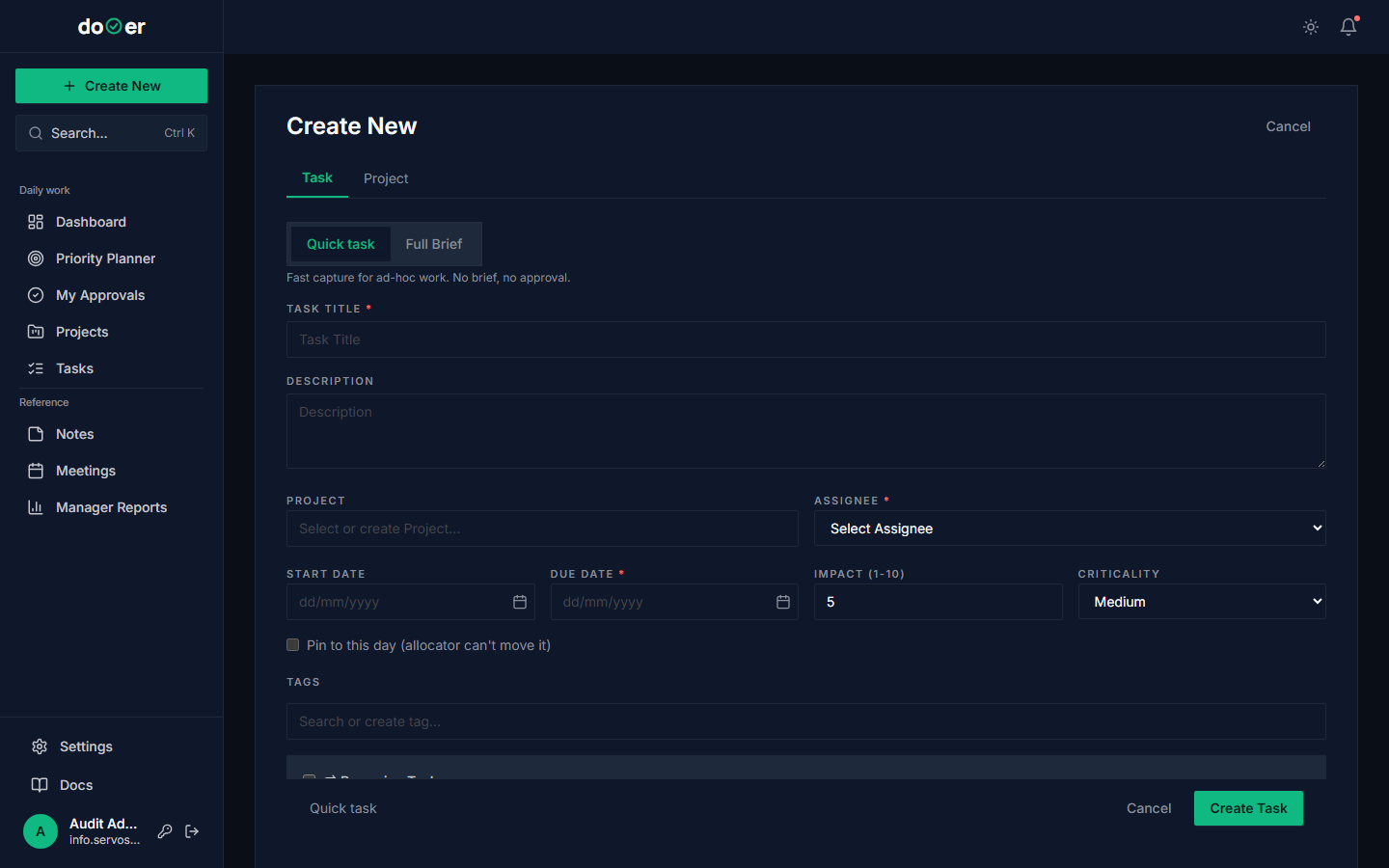 The Assignee field is the most consequential one on the page.
- Open Intake (
/tasks/new). - Fill in title, description, target date, priority.
- Set Assignee to a team member (not yourself).
- Click Create Task.
What just happened
- A
WorkItemwas created withassignee_id= the new person,original_assigner_id= you. - A
TASK_ASSIGNEDnotification was queued for the assignee. - The notification's
post_savesignal scheduled an email (aftertransaction.on_commit()). - An
AuditLogrow was written:action=create.
Concept: accountability lineage. original_assigner_id stays put even if the task moves three more times. PMBOK 7 (PMI, 2021) calls this the "Accountable" role in a RACI matrix — there is exactly one, it does not change, and it owns the outcome even when someone else owns the work.
T-1.2 — Watch the notification reach the assignee
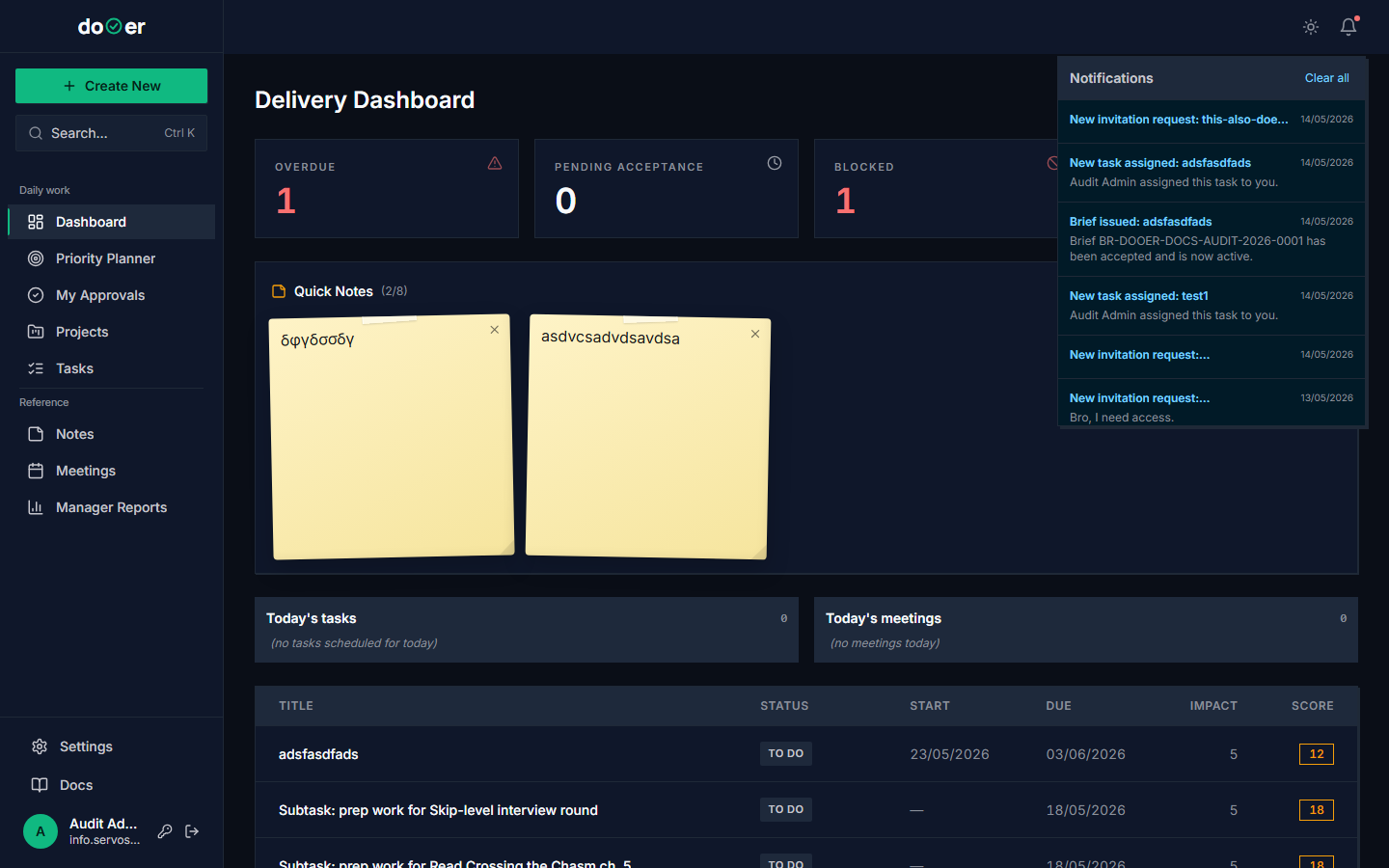 The same task, viewed from the assignee's account.
- Have your assignee log in (or open dooer in an incognito window with their credentials, if you're testing).
- Watch the bell badge increment.
- Click the bell. The TASK_ASSIGNED row links straight to the task.
Use the bell as a delegation health check
If a team member's bell is constantly at 30+, you are either over-assigning or they aren't reading their bell. Both are conversations to have.
T-1.3 — The assignee proposes an effort; you approve or reject
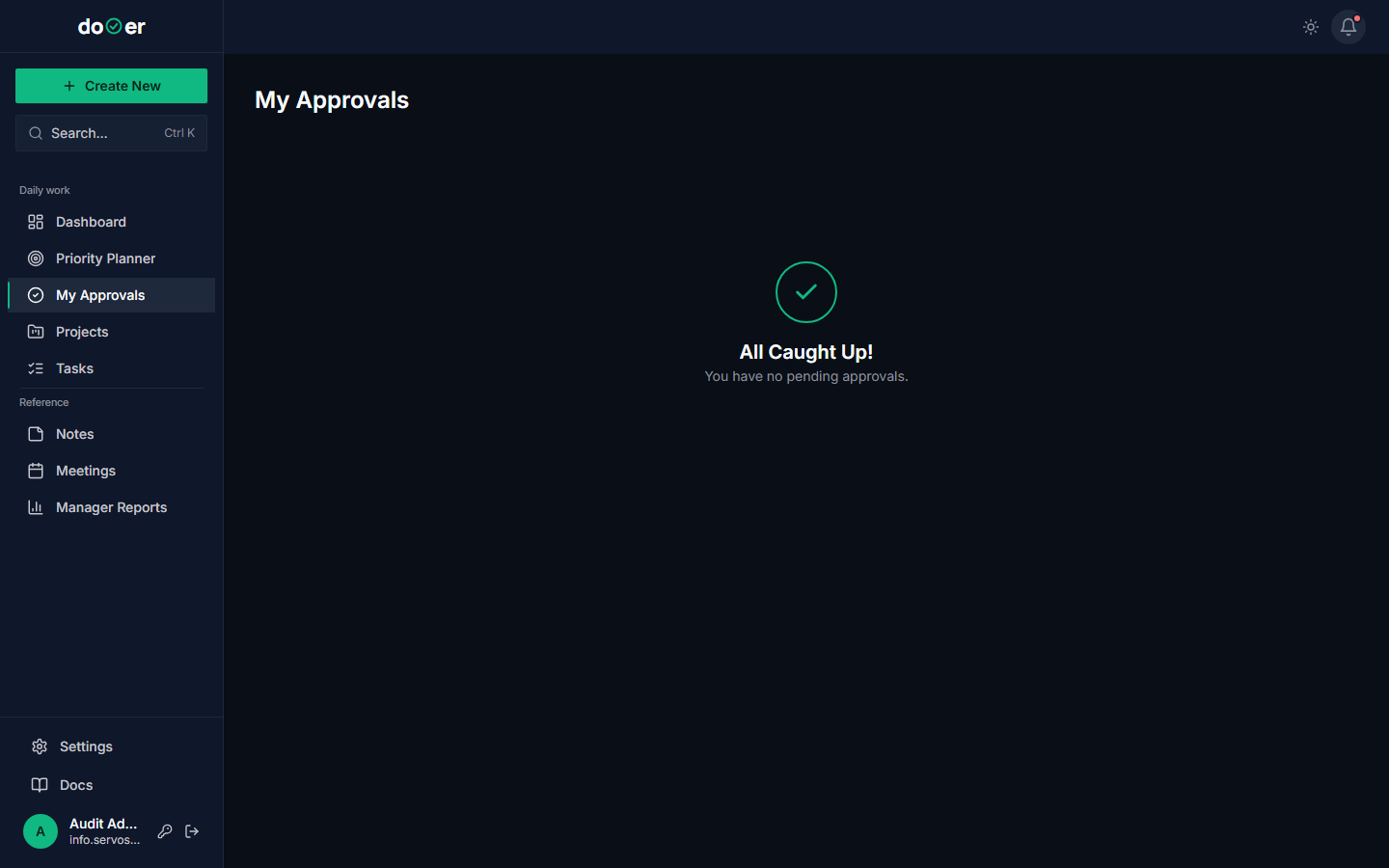 Approvals queue — the gravity well of a Team Lead's day.
The assignee, before they start, opens the task and clicks Propose Effort. They put in a number ("8 hours"). Then in your account:
- Open My Approvals (
/approvals). - The proposed-effort task is in the queue.
- Read the brief. Decide.
- Click Approve or Reject.
What just happened on Approve
effort_hours_pendinggot copied intoeffort_hours(locked in).- The parent task (if any) had its
effort_hoursrolled up automatically. - An
EFFORT_REVISION_APPROVEDnotification fired to the assignee. - An
AuditLogrow:action=effort_approve.
Concept: Wideband Delphi, a structured estimation technique (Cohn, 2005). The propose/approve cycle is a 2-person version: the doer estimates, the assigner sanity-checks. The disagreement is the learning. See Estimation.
T-1.4 — Reassign a task — see the 3-way notification fan-out
 One reassign action triggers three different notifications — by design.
- Open a task currently assigned to person A.
- Change the assignee to person B.
What just happened
- The new assignee (B) got
TASK_ASSIGNED. - The original assigner (you, even if you weren't part of this hand-off) got
TASK_REASSIGNED— so the accountable party always knows. - The previous assignee (A) got
TASK_REASSIGNED_AWAY— suppressed if A is the one who did the reassigning. AuditLogrow:action=reassign.
Concept: information radiators. Alistair Cockburn (2001) coined this term for surfaces that broadcast project state to everyone who needs to know, without anyone having to ask. dooer's reassign fan-out is one. Use it. Don't tell people about reassignments by email.
T-1.5 — Add a watcher
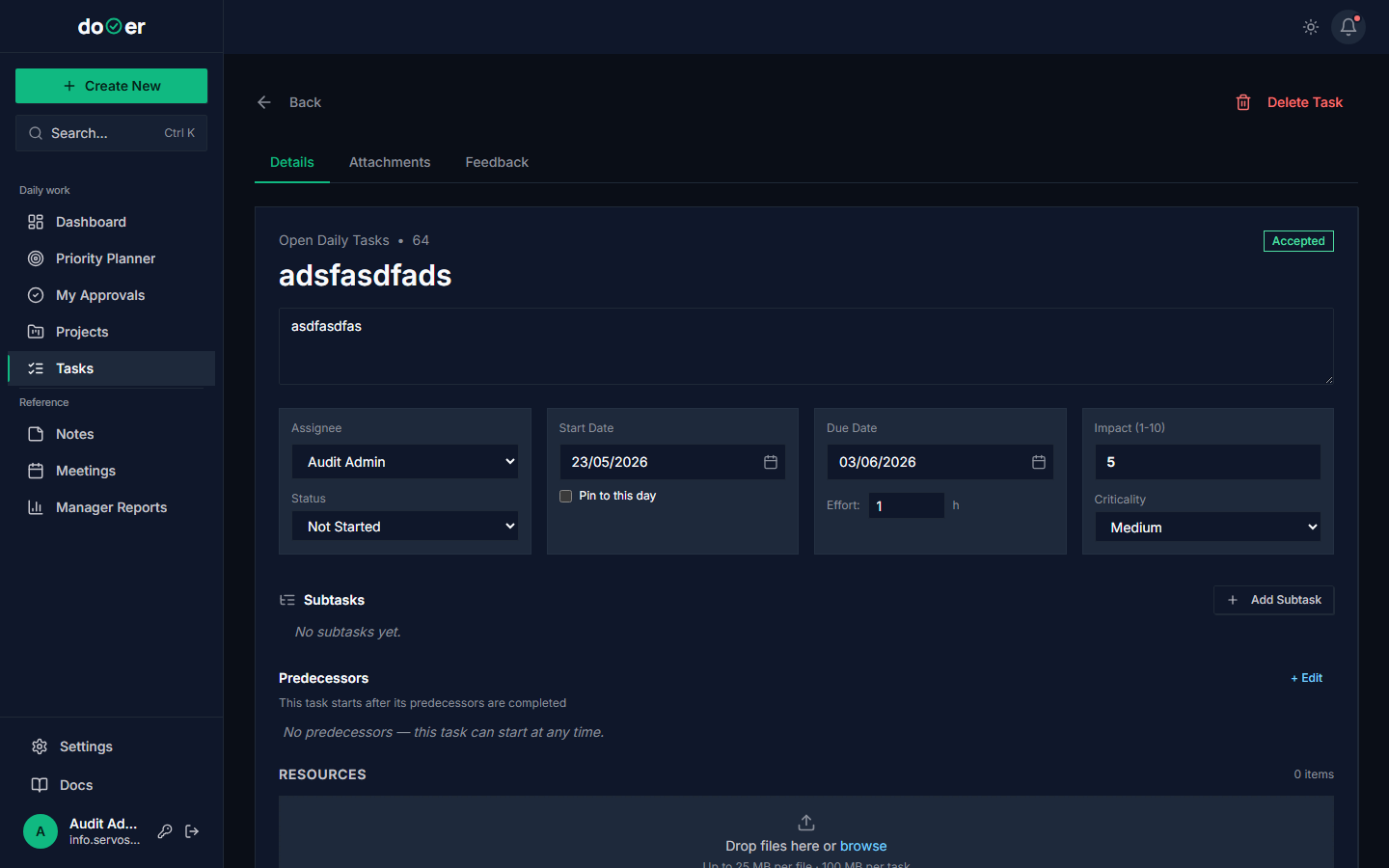 Watchers get every comment and key state change without owning the task.
- Open a task.
- In the right rail, find Watchers. Click +.
- Add a stakeholder (e.g., the customer, the QA lead, the next-team-down) who needs to stay in the loop.
What just happened
- A row was added to the watchers M2M relation.
- From now on, every comment on this task will fire a
COMMENT_ADDEDnotification to that watcher. - A
BoundedExecutorthread will send the email (no Celery — bounded queue depth, dispatched on commit).
Concept: consulted vs informed — the C and I in RACI. The watcher list is dooer's implementation of these two roles. They don't approve, they don't do — they just know.
T-1.6 — Add a comment that emails all watchers
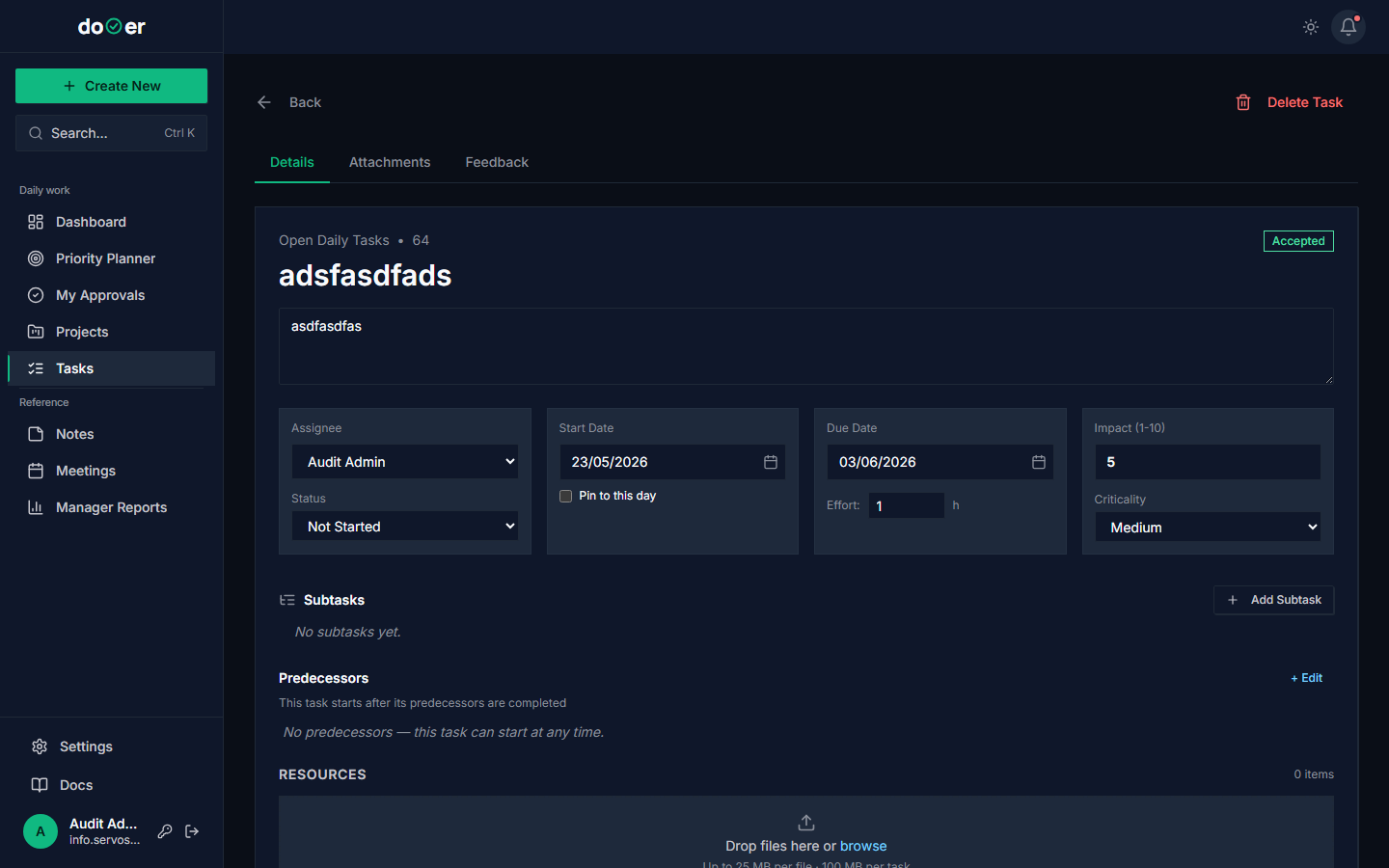 Every comment fans out to every watcher. Plan accordingly.
- Type a comment on a task.
- Hit submit.
What just happened
- A
Commentrow was created. - For every watcher (excluding you), a
Notificationrow was created — one per watcher. - Each notification's
post_savesignal queued an email. - The thread pool dispatched all emails after the transaction committed.
Concept: cost of a comment. A comment on a 10-watcher task = 10 emails. Make comments worth that price. Drucker (1967) called this the cost of knowledge work — every meeting (or in our case, every fan-out comment) consumes a unit of someone's attention.
T-1.7 — Use the Approvals queue daily
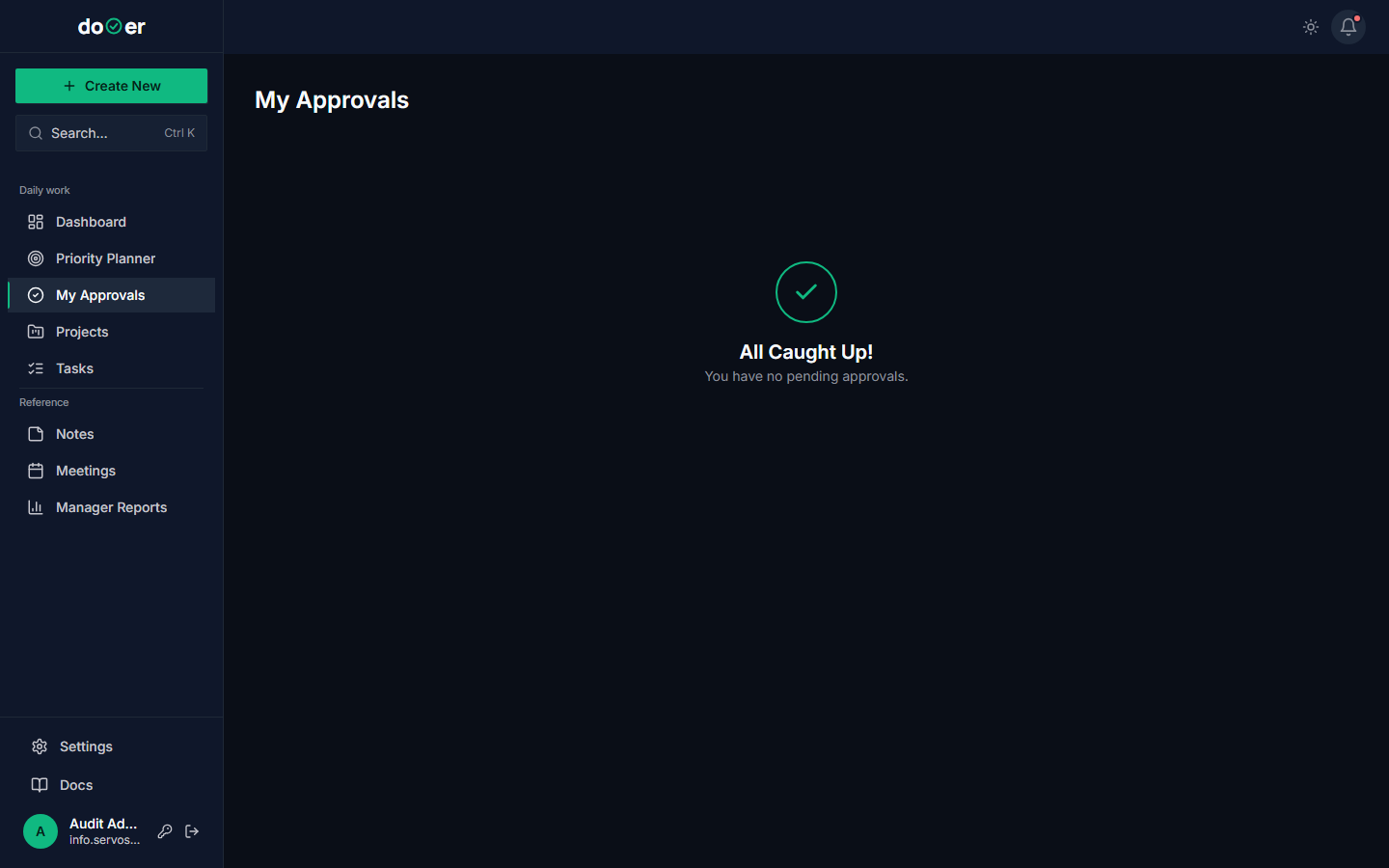 This queue is the single highest-leverage screen in your day.
Habit: open My Approvals twice a day — once after morning coffee, once before logging off.
If you let this pile up
Pending tasks are people waiting for you. Every hour an approval sits in your queue, someone is blocked. Treat it like an inbox-zero discipline: clear it twice a day.
Concept: queueing theory. Little's Law (Little, 1961) says: average wait time = queue length × average service time. The smaller you keep the queue, the less your team waits.
T-1.8 — Read the Audit Log for a single task
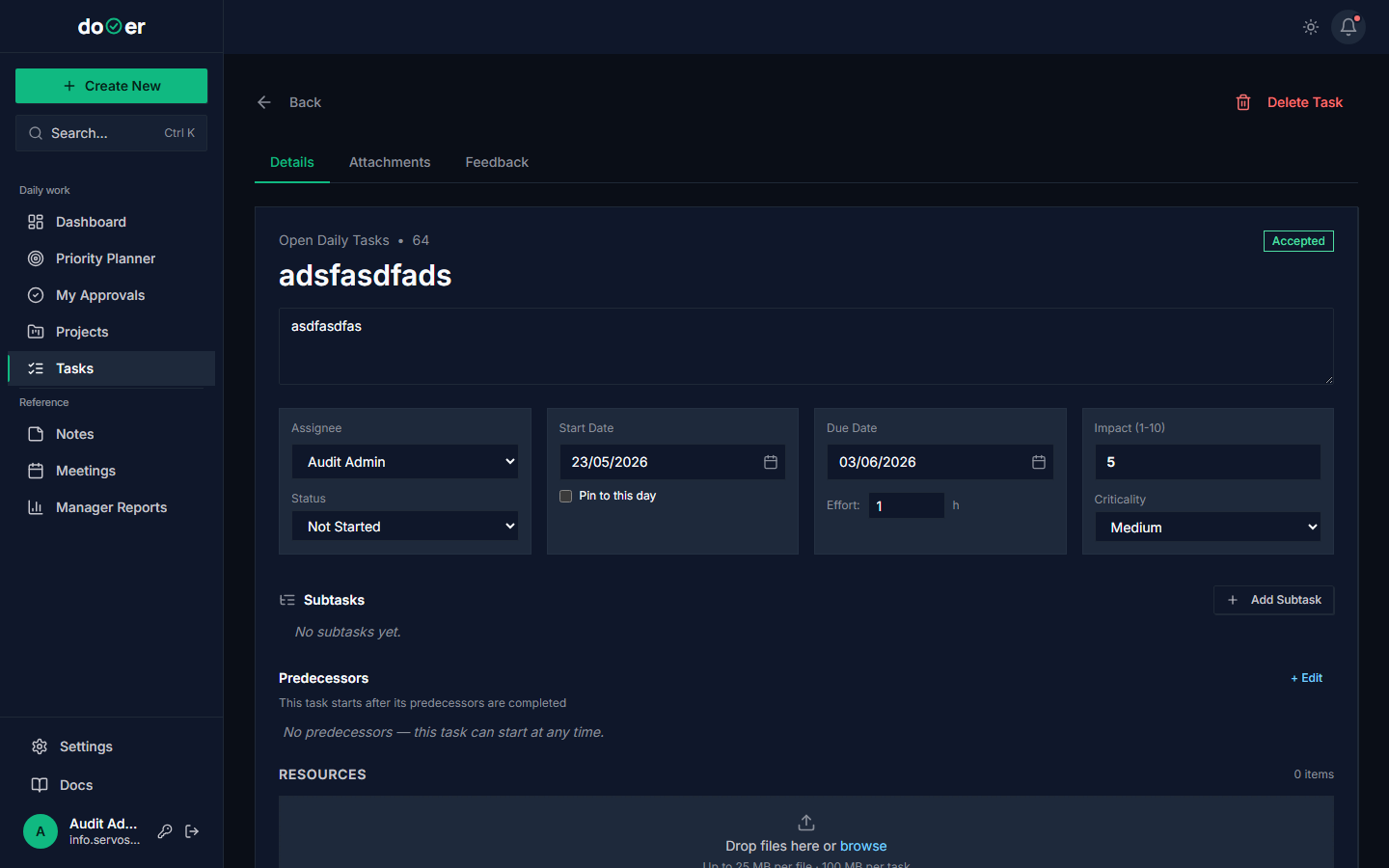 The complete change history of one task. Useful when there's a "wait, how did we end up here?" moment.
- Open a task that has been through several state changes.
- Open the audit panel.
- Walk through the events. Notice: every status change, every effort revision, every reassign is there.
Why this matters in week 4
The first time someone asks "who decided we were going to do it this way?", you have an answer that isn't "I think it was..." The audit log makes you the lead who knows, not the one who remembers.
When you're ready for Advanced
dooer will show a "ready for Advanced" hint when:
- You have assigned ≥20 tasks to ≥3 different people.
- You have made ≥10 effort decisions (approved or rejected) in the Approvals queue.
These thresholds mean delegation is no longer scary — it's routine.
Where the ideas come from
- PMI (2021). PMBOK Guide, 7th Edition. — RACI roles, performance domain #4 Planning.
- Cohn, M. (2005). Agile Estimating and Planning. Prentice Hall. — Wideband Delphi.
- Cockburn, A. (2001). Agile Software Development. Addison-Wesley. — information radiators.
- Drucker, P. (1967). The Effective Executive. Harper & Row. — cost of knowledge-worker attention.
- Little, J. (1961). A Proof for the Queuing Formula: L = λW. Operations Research 9. — queueing theory.
Full bibliography: bibliography.