Solo Basic — capture and complete
Goal: stop losing work. Move from sticky notes, half-remembered emails, and three different to-do apps to a single place where everything lives.
This is the lowest tier on the Solo track. If you can do all 8 journeys below comfortably, you are ready for Advanced.
Why this tier matters
The biggest thing separating people who get a lot done from people who don't is not speed. It is capture. People who keep a clean head and steady output have a system for catching every commitment — a sentence in a meeting, a thought in the shower, an email reply they owe — before it can fall through.
David Allen wrote a whole book about this (Allen, 2001). His central claim is: the human mind is bad at storing things, and great at processing them. If you try to remember everything, you do neither well. If you write everything down somewhere you trust, your mind relaxes and gets sharp.
dooer is that "somewhere you trust" — but only if you use it that way. This tier is about building that trust.
The 8 journeys
S-1.1 — Sign in and complete your profile
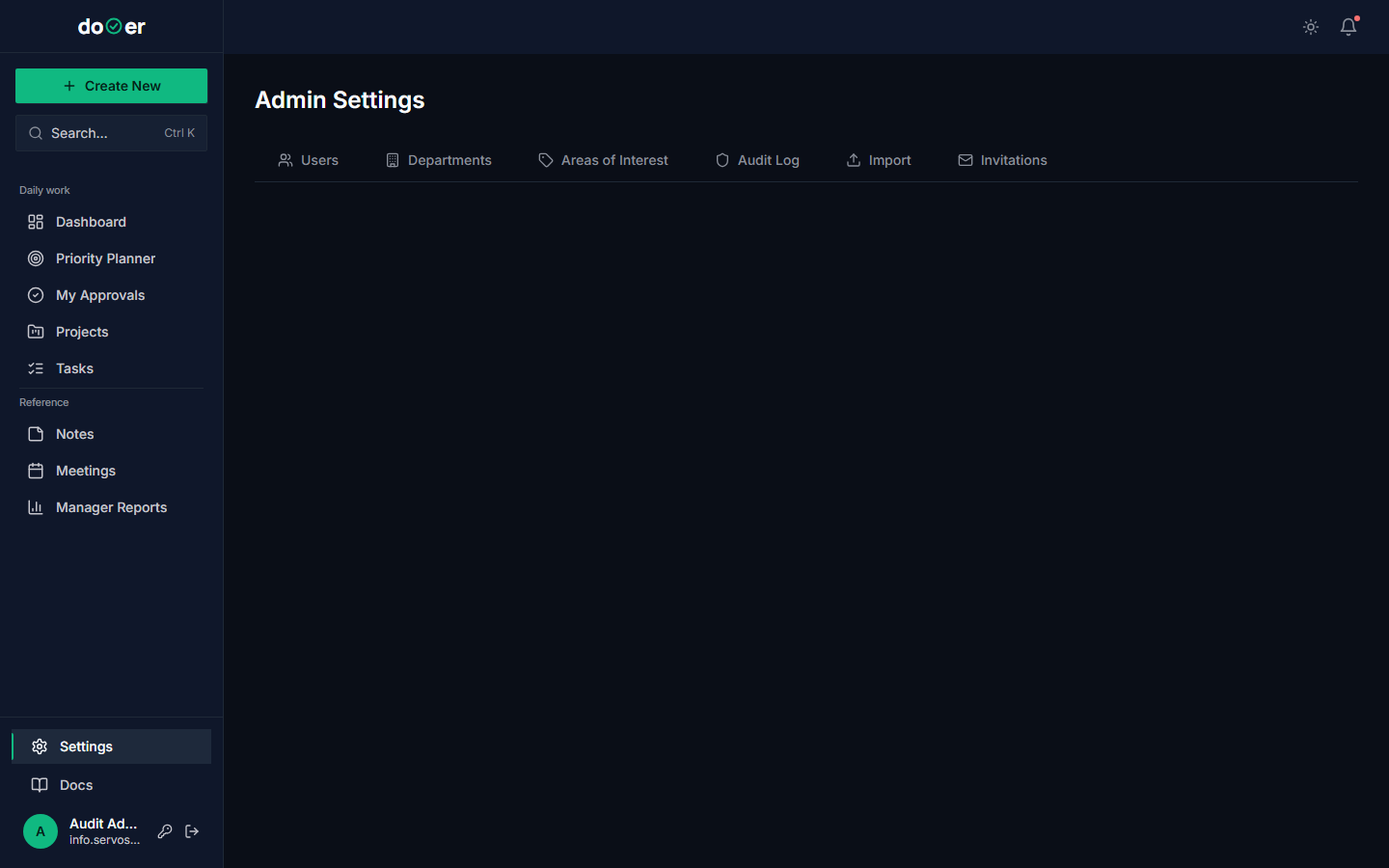 Profile page — fill it in once. Your name then attaches to everything you do.
- Open the invite email and click the button.
- Set your password.
- Go to Settings → Profile. Add your real name and a photo.
What just happened
- Your
UserProfilerow was created. - You were added to the default permission group.
- dooer can now stamp your name on everything you do — that is what makes the audit log meaningful later.
Concept: single source of identity. Across the academy, every action gets attributed to a person. That attribution is what makes the audit log a real PMO artifact later. See the configuration baseline concept.
S-1.2 — Create your first quick task
 The quick-task modal — title is the only required field.
- From the dashboard, click + New or press the keyboard shortcut.
- Type a one-line title. Don't overthink it.
- Hit Create.
What just happened
- A
WorkItemrow was created with status = Planning. - The task appeared in your task list.
- Because you didn't write a brief, the
is_full_briefflag is false. That matters later.
Concept: capture. The goal here is friction-free intake. If creating a task is hard, you won't do it, and things will slip. dooer's quick-task path exists because of this. See Capture, organize, reflect.
S-1.3 — Edit a task inline
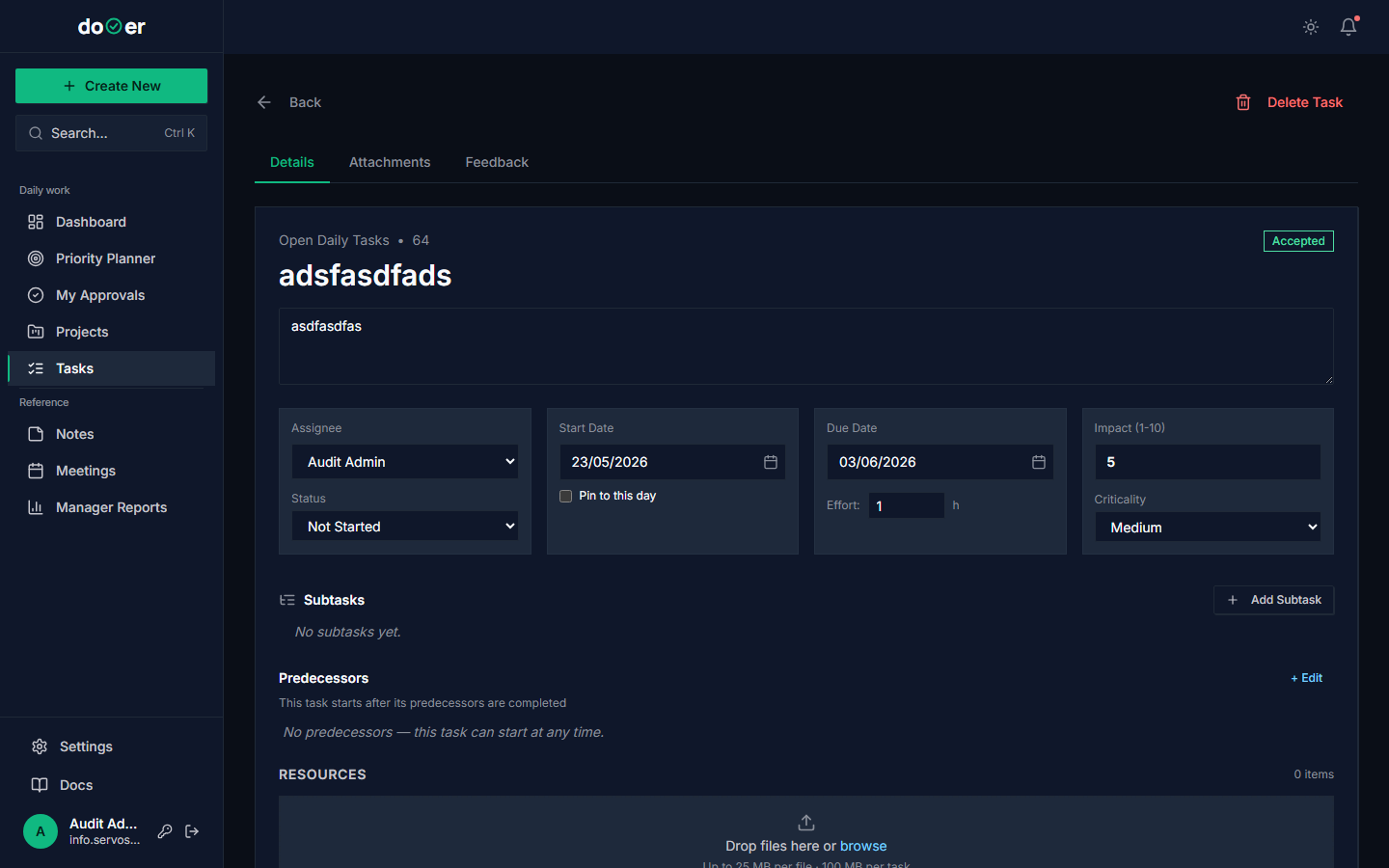 Click any badge or field on the task to edit it in place. Saves automatically.
- Click on the task you just made.
- Click the Status badge. Pick "In Progress." It saves itself.
- Click the date field. Pick a target date for this week.
- Click Priority. Pick whatever feels right.
What just happened
- Three
PATCH /api/work-items/{id}/calls fired — one per field. - The task moved between columns on your Kanban board.
- The audit log got a row for each change with the before/after values.
Concept: progressive disclosure. You don't have to fill in everything on creation. The task gets richer as it moves through your day. This is a pattern from interaction design (Norman, 2013, The Design of Everyday Things).
S-1.4 — Mark the task complete and watch the points appear
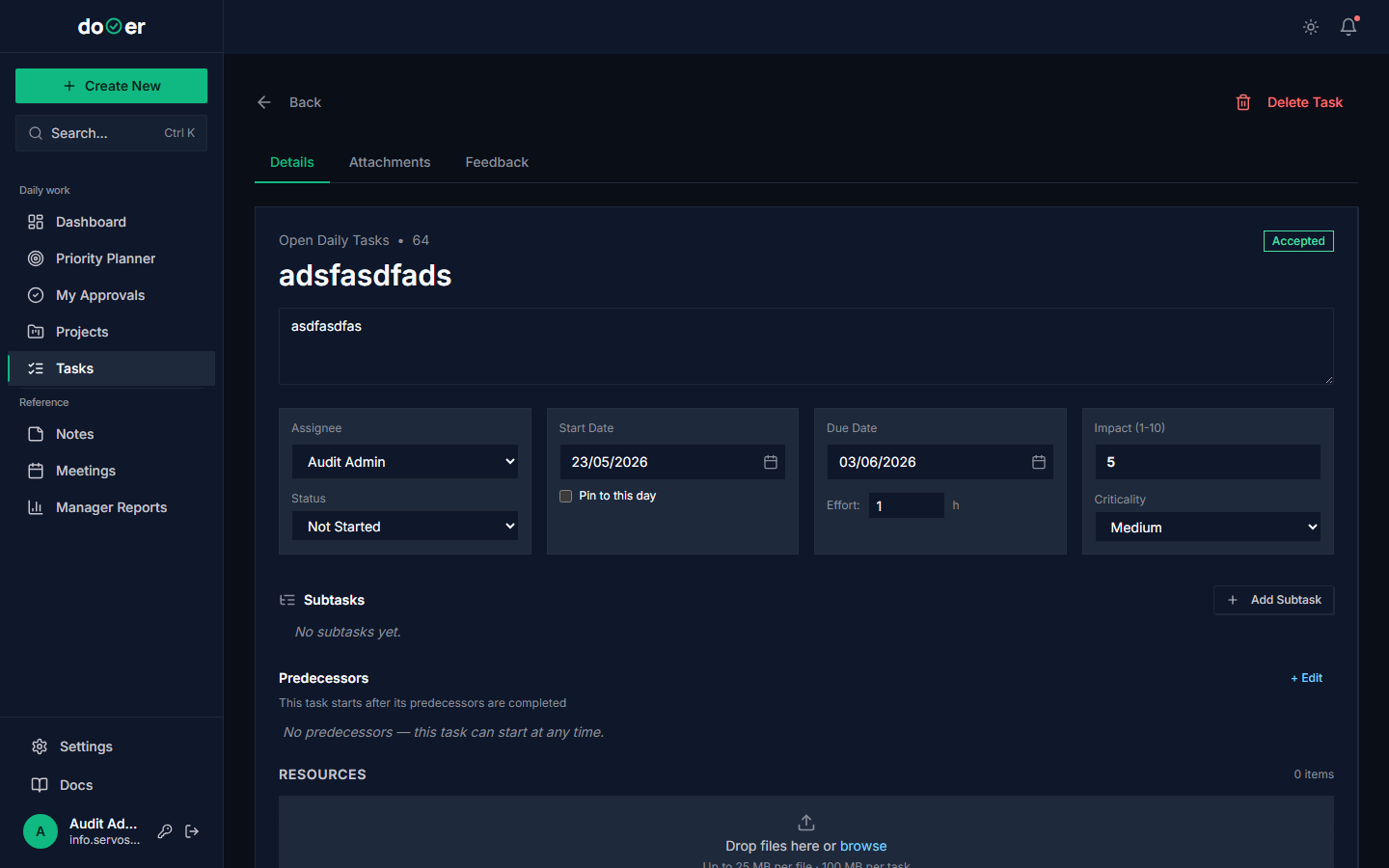 One click marks the task done. The next screen will show your points go up.
Level-up modal
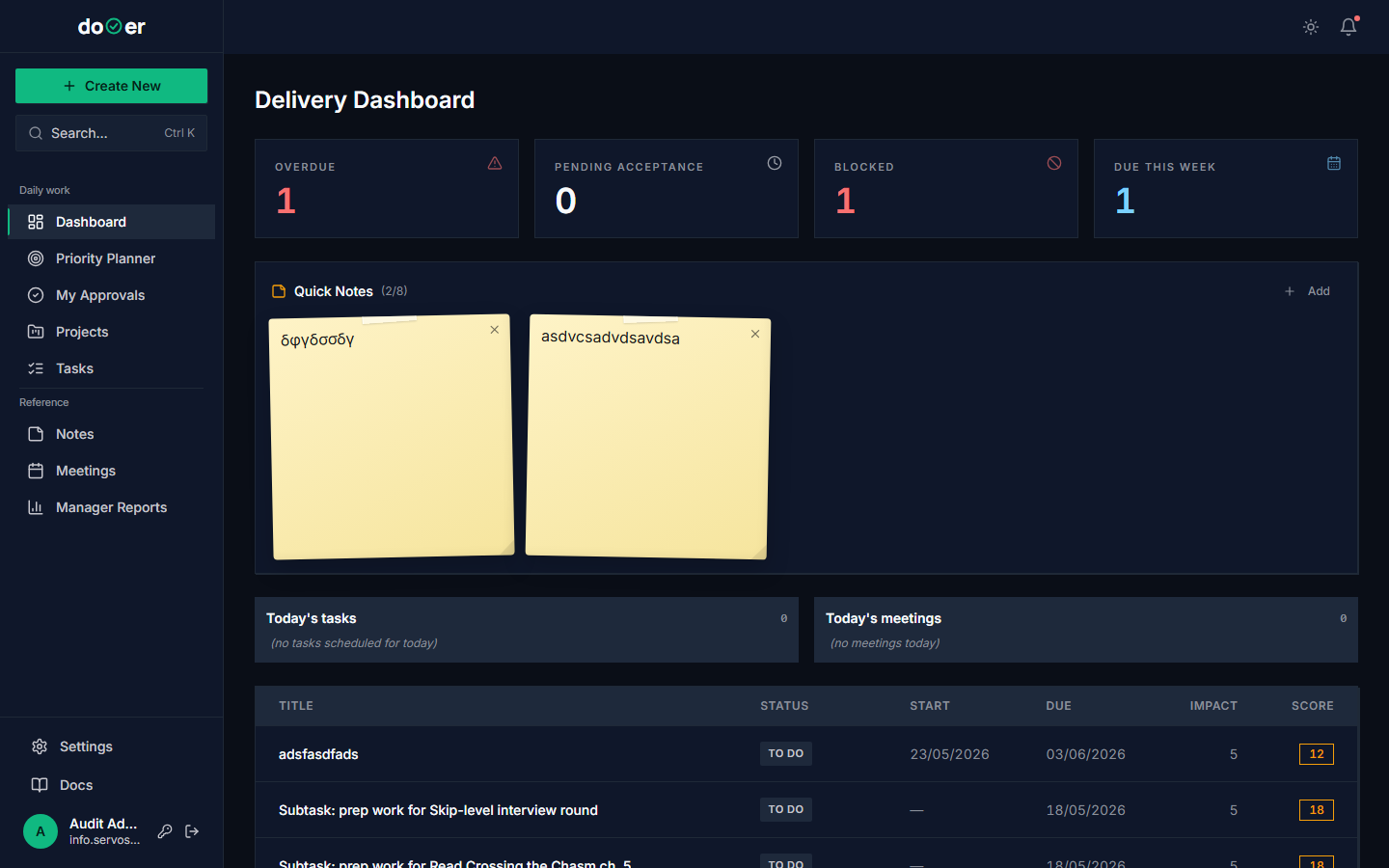
When the task you complete pushes your point total across a level threshold, a level-up modal pops up celebrating the new level (novice → journeyman → expert). An email follows. The first level-up usually happens around your 5th–10th completed task.
- Open the task.
- Click Complete.
What just happened
completed_atgot stamped with the current time.- Your
dooer_pointswent up by +5 (quick task, no full brief). - The person who first assigned it (in this case, you) got a
STATUS_CHANGED_TERMINALnotification — but suppressed, because you assigned it to yourself. - The audit log got a row with action = "update" and the status change.
Concept: closing the loop. Every captured thing must eventually be marked done or deleted. Open tasks that linger forever are noise; noise destroys the trust that makes capture work. Allen calls this "engaging" — the E in CCORE.
S-1.5 — Drag tasks between Kanban columns
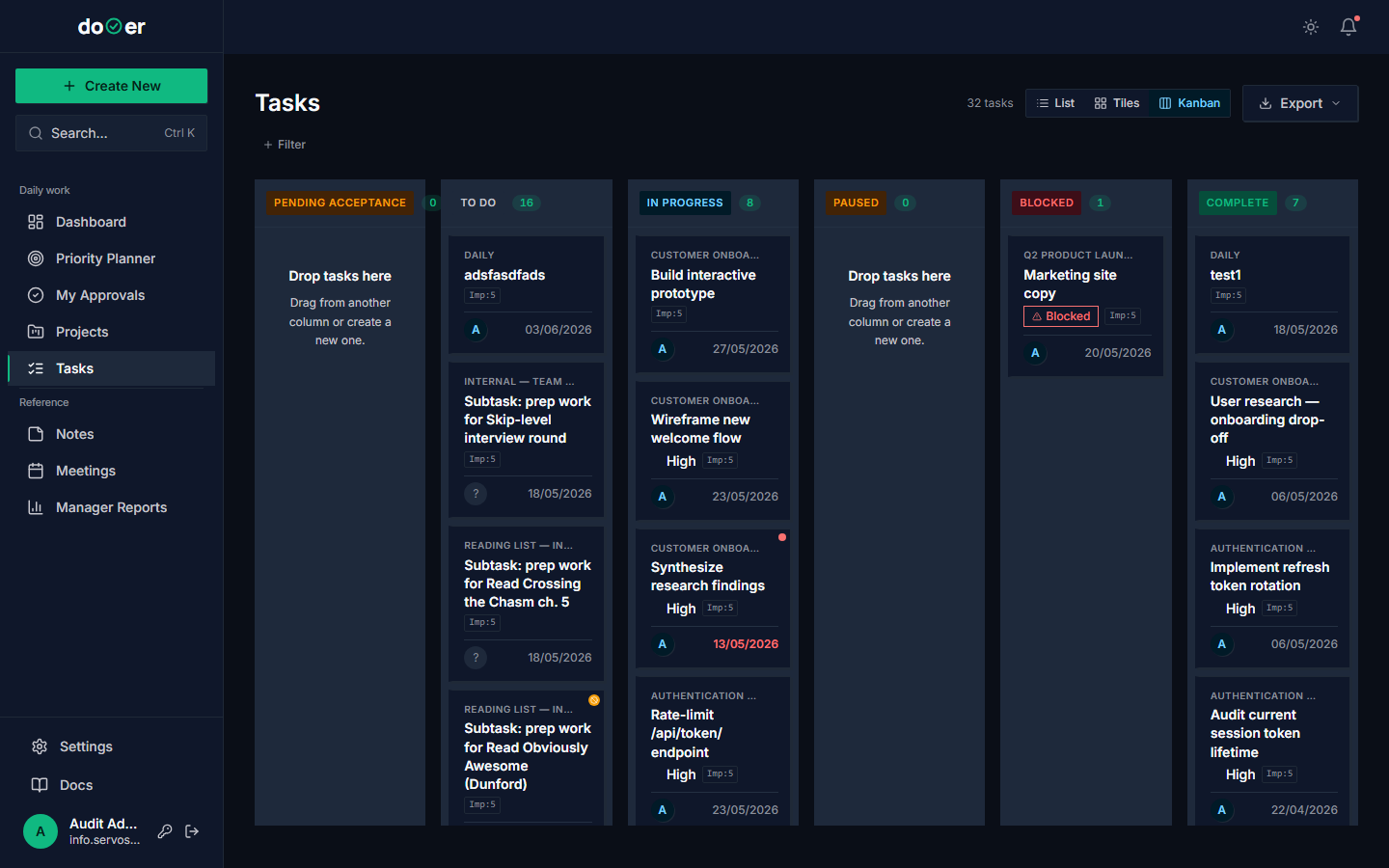 Drag a card. Drop it. The status updates and the audit log records the change.
- Go to Tasks. You should see your tasks in columns.
- Drag a task from "Planning" into "In Progress."
- Drag another from "In Progress" into "Complete."
What just happened
- Two
PATCH /api/work-items/{id}/calls fired with the new status. - The dashboard's count tiles re-rendered.
- If anything moved to Complete, points were awarded.
Concept: Kanban. A Kanban board is a visual flow tool invented at Toyota in the 1940s (Ohno, 1988). The modern personal version comes from Benson & Barry (2011). The point is: when work is visible, you can see where it's stuck.
dooer's Kanban respects one rule that most personal task apps ignore: column order is the workflow. Planning → In Progress → Complete is left-to-right because that's how work moves. Pay attention to which column gets crowded. That's where your work is choking.
See WIP and flow.
S-1.6 — Open the notification bell and mark items read
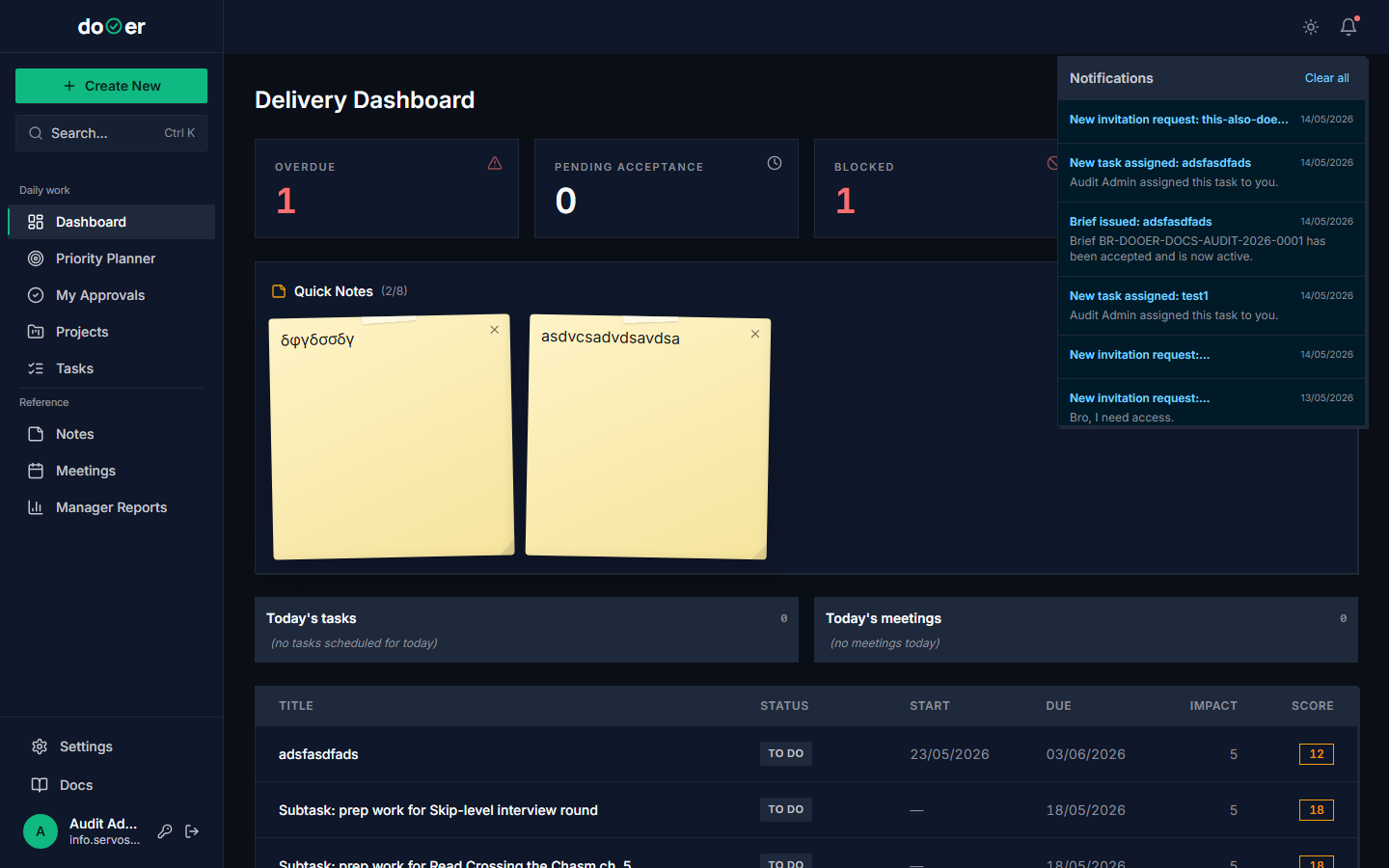 The bell is your inbox-equivalent. Aim to keep it under 5 unread.
- Click the bell icon (top right).
- Read the notifications. Mark them read.
- Click Mark all read if the list is long.
What just happened
Notification.is_read = truewas set per row (or all rows for "mark all").- The badge count dropped to zero.
Concept: signal vs noise. Notifications are the dooer equivalent of an email inbox. If you let them pile up, they stop meaning anything. The rule: bell under 5 unread, every day. If you can't keep up, that's a signal to turn some notification kinds off in Settings, not a signal to ignore the bell.
S-1.7 — Create a sticky note as a parking lot
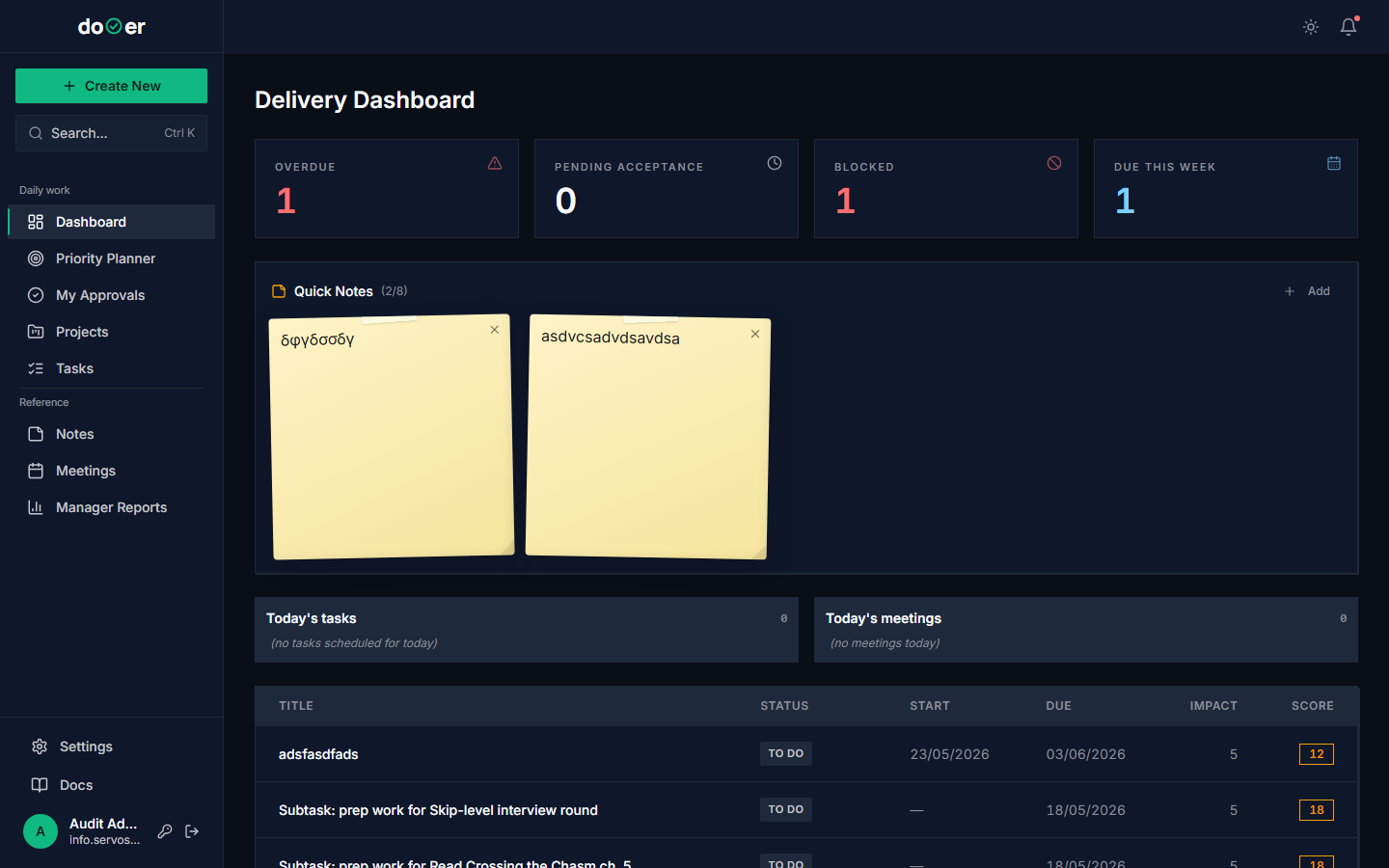 The sticky note is the parking lot — for thoughts that aren't ready to be tasks yet.
- On the dashboard, find the sticky-note widget.
- Click it. Start typing.
- Click outside. The note saves itself.
What just happened
- A
StickyNoterow was created (or updated) on your profile. - The note will be there next time you reload.
Concept: parking lot. A parking lot is a place to drop a thought that isn't ready to be a task yet. Maybe you don't know what to do with it. Maybe you need to think about it. The sticky note is for those.
The mistake is to put parking-lot stuff in your task list. It clogs the list and makes the rest of the work feel less real. Keep the parking lot separate.
S-1.8 — Search globally
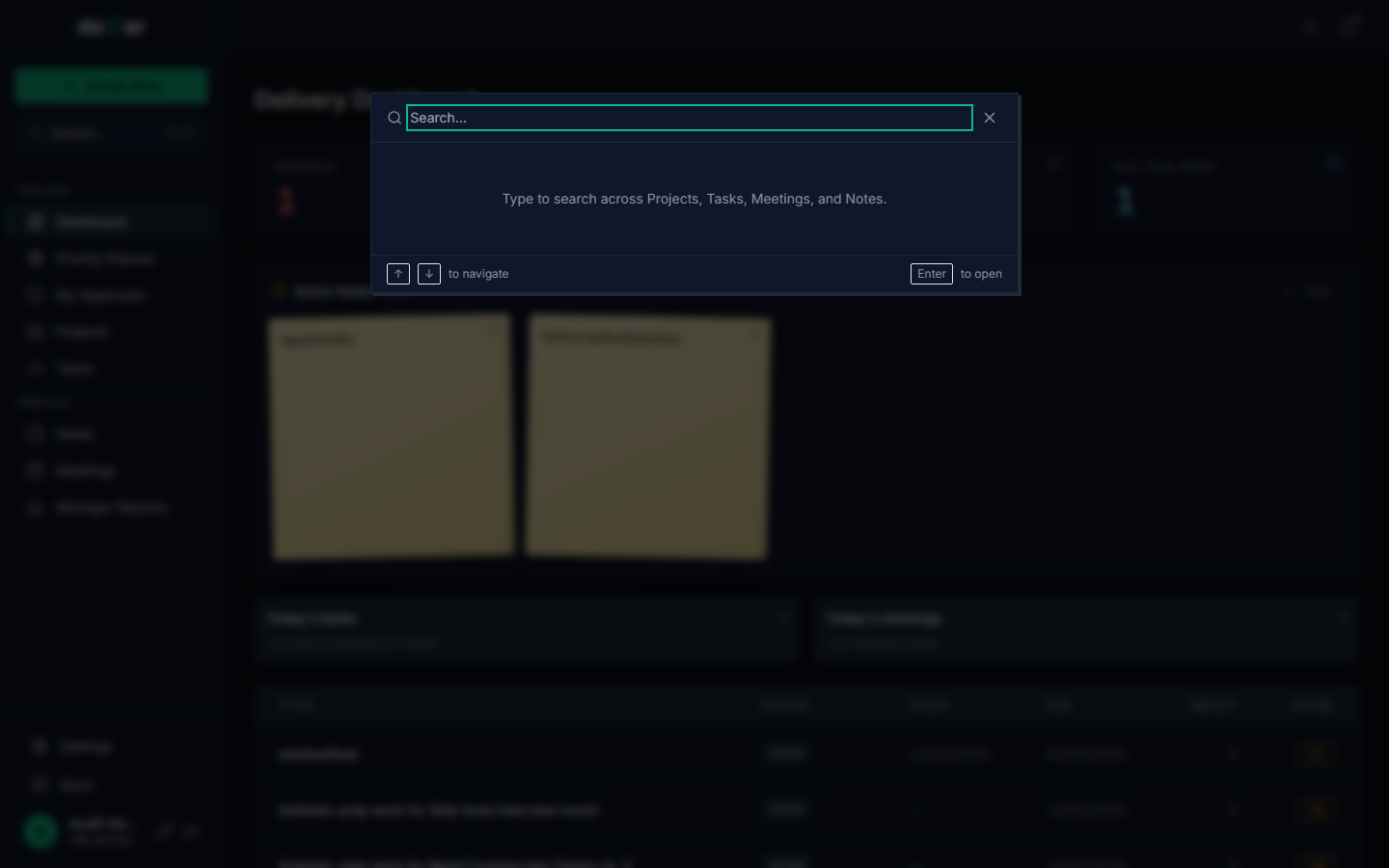 Cmd+K (Ctrl+K on Windows/Linux) opens the universal search.
- Press Cmd+K (Mac) or Ctrl+K (Windows/Linux).
- Type a word from any task, note, project, or meeting.
- Click the result.
What just happened
- dooer ran a search across all entities visible to you.
- You jumped directly to that entity.
Concept: recall over retention. You don't have to remember where you put something — you just have to remember enough to find it. This is the same reason a library has a card catalog. Your brain stores the keyword; dooer stores the location.
When you're ready for Advanced
dooer will show a "ready for Advanced" hint when:
- You have completed at least 10 tasks, AND
- Your unread notification count stays under 5 on average over a rolling 7 days.
You don't have to move up the day the hint appears. The point is that the muscle is real before you load it more.
What you've learned by the end of Basic
- You can capture work in under 10 seconds (S-1.2).
- You can close the loop on what you started (S-1.4).
- You can see your work flowing (S-1.5).
- You can keep your inbox-equivalent clean (S-1.6).
- You have a place for half-formed thoughts that isn't your task list (S-1.7).
That's the foundation. Without it, the higher tiers don't stick.
Where the ideas come from
- Allen, D. (2001). Getting Things Done: The Art of Stress-Free Productivity. Penguin. — capture/clarify/organize/reflect/engage.
- Ohno, T. (1988). Toyota Production System. Productivity Press. — origin of Kanban.
- Benson, J. & Barry, T. (2011). Personal Kanban: Mapping Work, Navigating Life. Modus Cooperandi. — Kanban for individuals.
- Norman, D. (2013). The Design of Everyday Things, Revised Edition. Basic Books. — progressive disclosure.
- Dreyfus, S. & Dreyfus, H. (1980). A Five-Stage Model of the Mental Activities Involved in Directed Skill Acquisition. University of California, Berkeley. — the tier framework.
Full bibliography: bibliography.